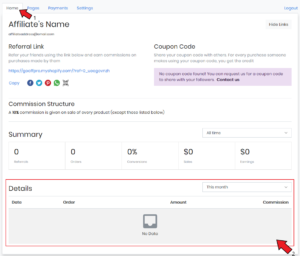
View your Referral Details
To view referral details such as the date of the order, the product that was ordered, the amount of the order, etc.
How to view your referral details?
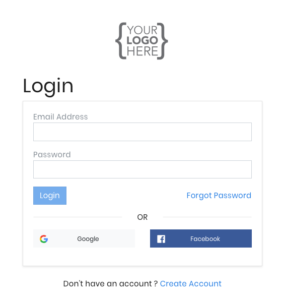
Log into your affiliate account.
After you log into your affiliate account, the Affiliate Dashboard opens up.
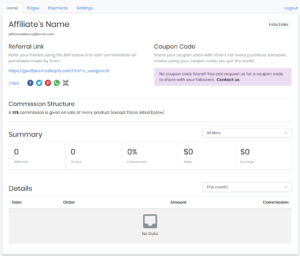
Here in the Home tab, go to the Details table.
The Details table displays information such as the date of the order, the order (the product that was purchased using your referral), the order amount, and the commission earned on the order.